RothDine Help Center
Everything you need to run your restaurant on RothDine
Step-by-step guides with real screenshots: from your first account to a QR menu your guests order from, and a kitchen that never misses an order.
Press Ctrl or ⌘ + K to search from anywhere
Start here
Four guides take a new restaurant from sign-up to a live QR menu.
- Step 1Create your accountSign up with your name, e-mail and password, accept the two required consents and confirm your e-mail address.
- Step 2Create your restaurantName your restaurant, choose its web address and open your first dashboard.
- Step 3Add a dishFill in the dish form from names and price to sizes, extras, allergens and availability, then save it to the draft.
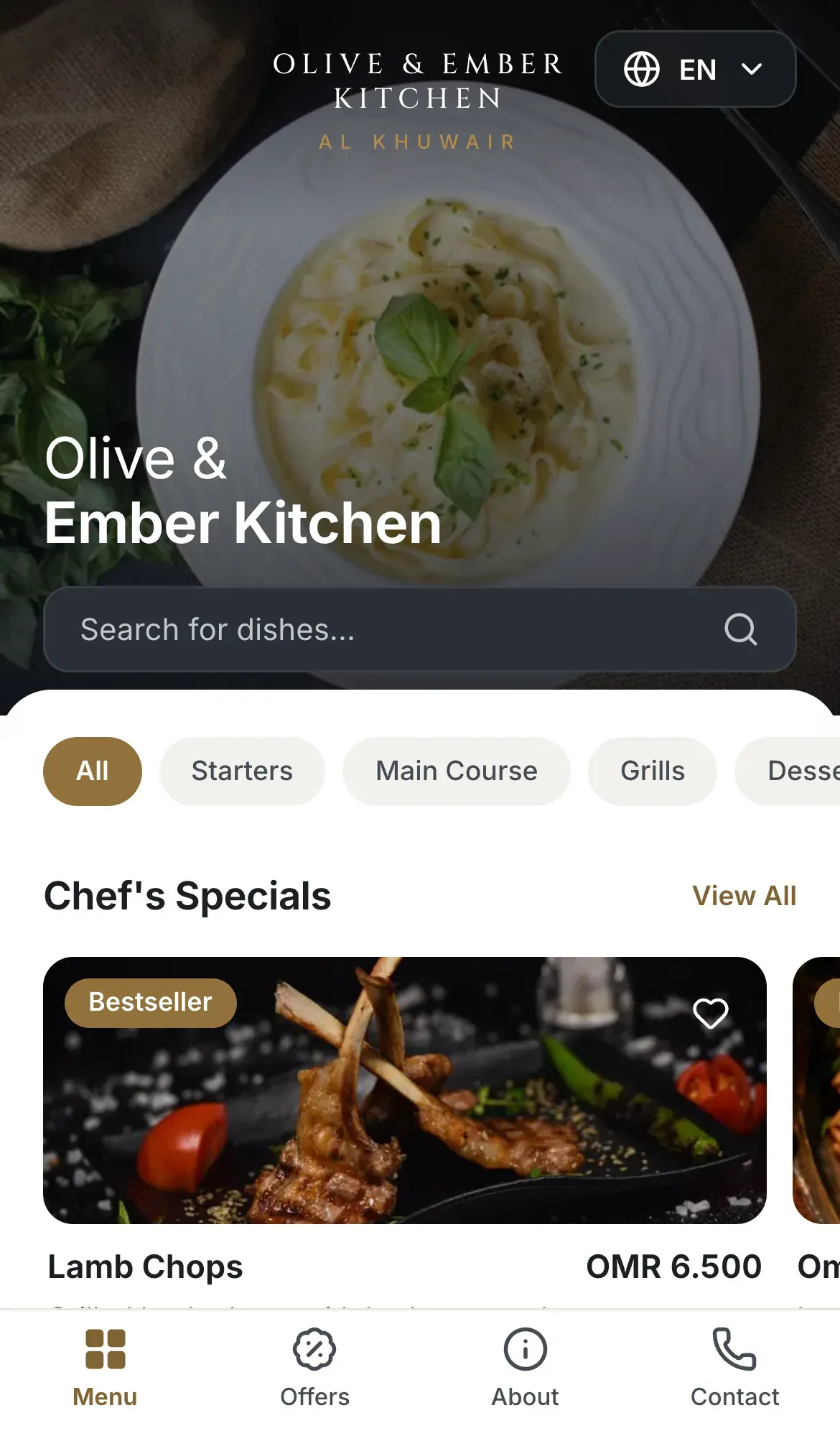
- Step 4Create QR codesCreate a QR code for your restaurant, a branch or a single table, and see what a guest gets when scanning it.
Browse by topic
- 5 guidesGetting startedCreate your account, start the free trial and open your first restaurant.
- 6 guidesRestaurant setupProfile, branches, opening hours and how your restaurant serves guests.
- 8 guidesMenuCategories, dishes, photos, prices, availability and publishing.
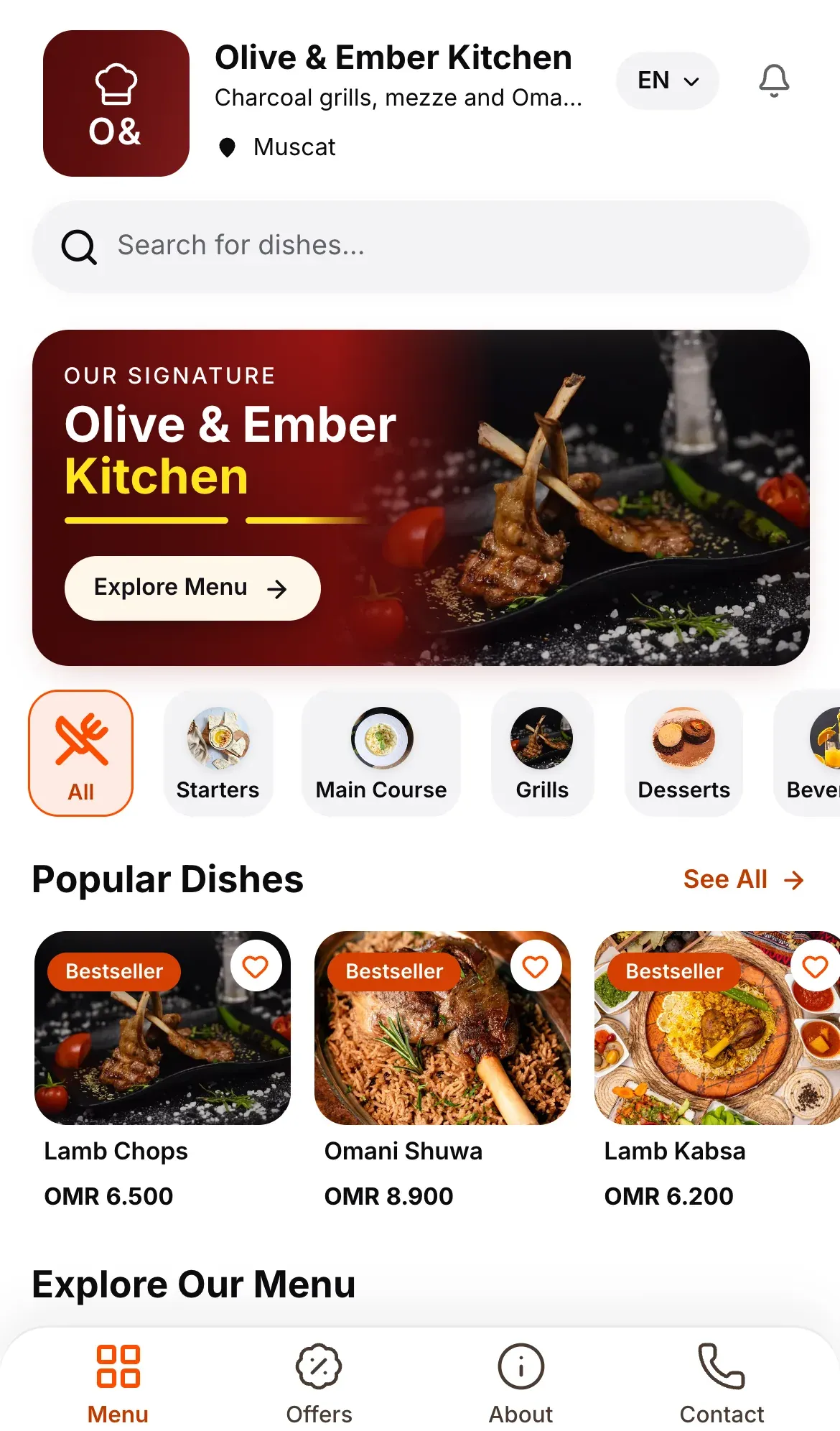
- 2 guidesThemes & brandingSeven premium themes, your logo and how the guest menu looks.
- 3 guidesTables & QR codesCreate tables, generate QR codes, then print or download them.
- 5 guidesOrdersHow guests order, and how your team follows every order live.
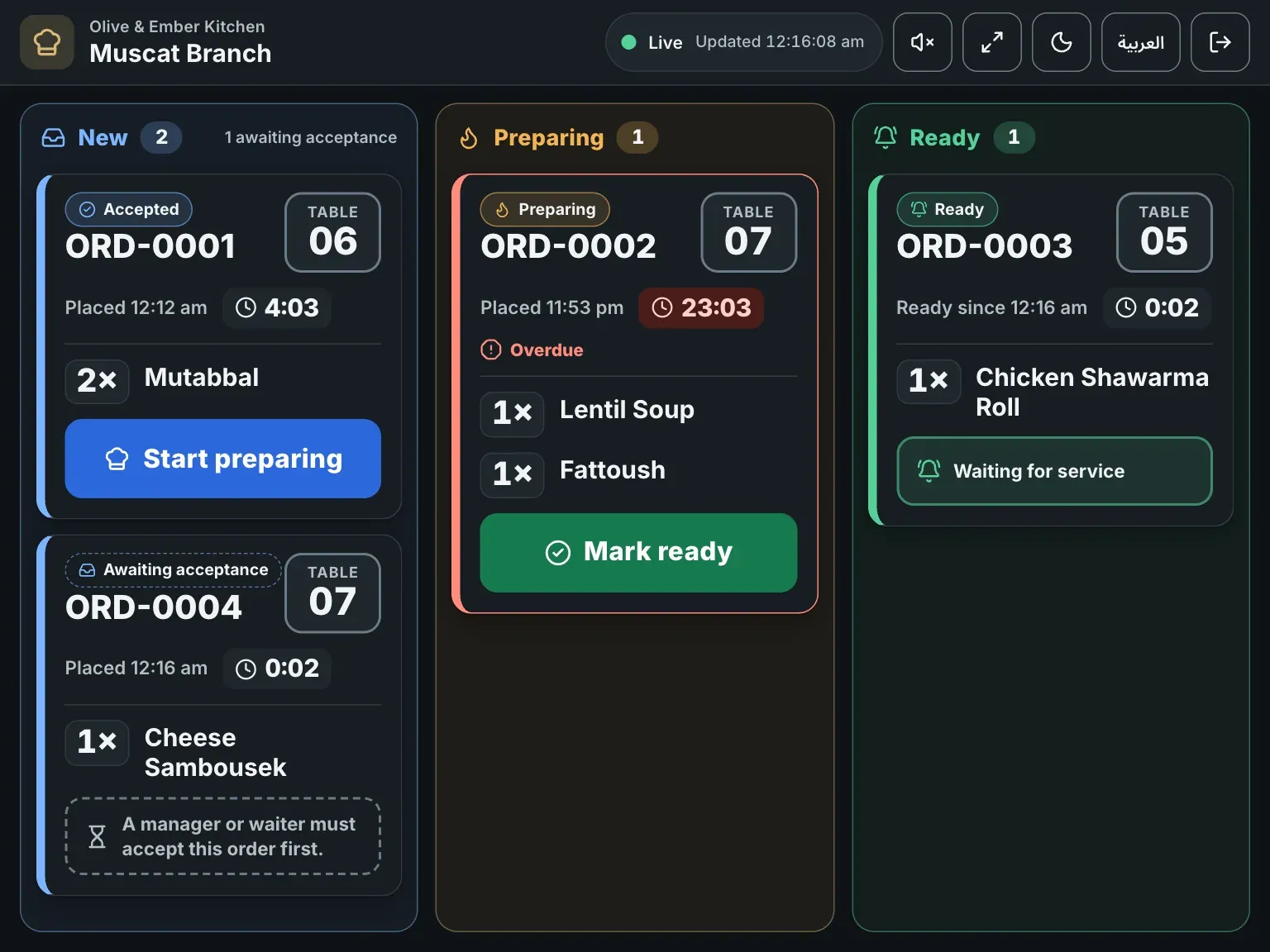
- 5 guidesKitchen staffInvite kitchen staff, the kitchen-only login and the kitchen board.
- 3 guidesTeam & permissionsInvite your team, assign roles and branches, and revoke access.
- 3 guidesPlans & billingPlans, manual bank transfer, payment approval, renewals and trial expiry.
- 3 guidesHelp & troubleshootingCommon errors, what they mean, and how to contact support.
Popular guides
- Add a dishFill in the dish form from names and price to sizes, extras, allergens and availability, then save it to the draft.
- Choose a themePick one of seven themes, set an accent colour and tagline, preview it in English and Arabic, and save it to your guest menu.
- Print and download QR codesDownload a QR code as a PNG, SVG or PDF file, then print it for your tables.
- Invite kitchen staffInvite a cook by e-mail, give the person the Kitchen staff role for a branch, and see them join your team.
- Pay by bank transferChoose a plan, transfer the exact amount, upload your receipt and follow the request until RothDine approves it.
- TroubleshootingFind the message you see on screen, learn what it means and how to fix it, grouped by area.
Still need a hand?
Write to the RothDine team. Include your restaurant name and what you see on screen.